The Website Maintenance Checklist Every Business Needs
Burkhard BergerStrategic Content Author
Burkhard Berger is the founder of Novum™. He helps innovative B2B companies implement modern SEO strategies to scale their organic traffic to 1,000,000+ visitors per month. Curious about what your true traffic potential is?

Your website collects small problems every single day. A plugin update gets skipped. A form stops sending emails. A page loads a second slower than it should. Each one feels minor at the time, so it gets pushed aside. With no website maintenance checklist to keep things in check, you notice only when something breaks. And by then, the fix becomes reactive and expensive.
That is exactly what we are going to clean up here. You will get a practical website maintenance checklist you can use right away. It brings everything into one place so you can run through maintenance on a regular basis and keep your website updated.
Website Maintenance Checklist Template You Can Customise To Match Your Priorities
Here’s a checklist template you can tweak to fit exactly what matters most for your business.
| Frequency | Task | Action Steps |
|---|---|---|
Daily | Monitor Website Uptime & Server Availability | 1. Run automated scan (Wordfence/hosting panel) 2. Check the dashboard for unusual activity 3. Review login attempts |
| Scan for Malware & Immediate Security Threats | 1. Run automated scan (Wordfence/hosting panel) 2. Check dashboard for unusual activity 3. Review login attempts | |
| Review Critical User Actions (Forms & Checkouts) | 1. Confirm submissions reach email/dashboard/CRM 2. Test one form or checkout 3. Check for unusual silence | |
Weekly | Test Page Speed & Performance | 1. Observe load speed 2. Run Google PageSpeed test 3. Fix one slow element |
| Verify Automated Backups | 1. Check backup logs 2. Open a backup file 3. Store copy offsite | |
| Fix Broken Links & Navigation | 1. Scan site (Broken Link Checker/Screaming Frog) 2. Click random links 3. Fix or redirect broken URLs | |
Monthly | Update Plugins, Themes & Core Files | 1. Update in small batches 2. Test critical functions 3. Remove unused plugins/themes |
| Review Website Analytics | 1. Compare month-over-month traffic 2. Check bounce rates/time-on-page 3. Identify top and low-performing pages | |
| Audit Key Pages for Content Accuracy | 1. Read main pages 2. Fix outdated info 3. Refresh one weak section | |
| Review Embedded Social Media Feeds | 1. Ensure feeds display latest posts 2. Check links to social profiles 3. Remove inactive feeds | |
Quarterly | Ensure Seamless User Experience & Cross-Browser Compatibility | 1. Browse site as new visitor 2. Test in multiple browsers 3. Try one interaction-heavy area |
| Clean Up Unused Media, Plugins & Scripts | 1. Delete unneeded media 2. Remove unused plugins 3. Remove unnecessary third-party add-ons | |
| Review SEO Elements (Metadata & Indexing) | 1. Check page titles/descriptions 2. Confirm pages appear in search 3. Update outdated SEO | |
| Audit & Refresh Social Proof Elements | 1. Replace old testimonials 2. Remove irrelevant logos 3. Add recent quotes/reviews | |
Yearly | Renew Domain, Hosting & SSL Certificates | 1. Check renewal dates 2. Confirm payment method 3. Ensure no “Not Secure” warnings |
| Perform Full Website Performance Audit | 1. Go page by page 2. Test full user journey 3. Note slow/outdated areas | |
| Reassess Website Structure Based on Business Goals | 1. Review navigation 2. Remove unnecessary pages 3. Simplify layout for key offerings |
Why Every Business Should Have A Website Maintenance Checklist: 5 Benefits
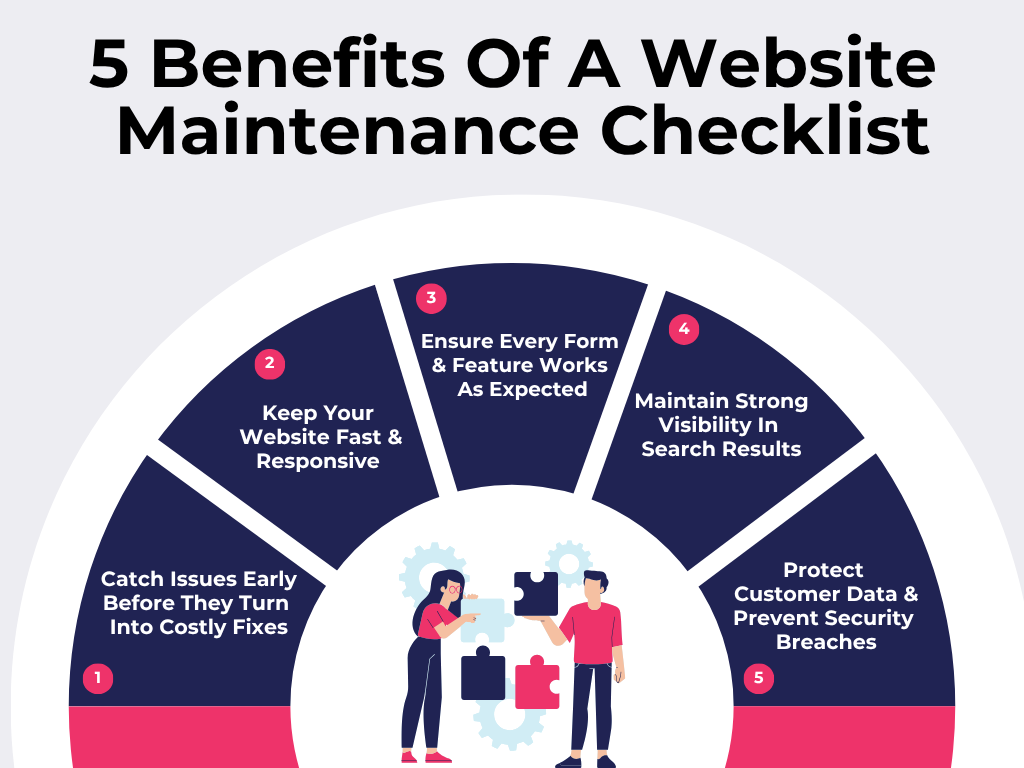
Let’s see what you actually gain from putting a website maintenance checklist in place.
1. Catch Issues Early Before They Turn Into Costly Fixes
Small problems leave signals before they grow. A page loads… but slightly wrong. A button works… except on certain screens. Something updates… and quietly disturbs something else.
You won’t notice these things in a quick glance. And honestly, your customers won’t report them either – they will just leave.
A checklist forces you to actually look closely regularly. Not casually. Intentionally. And fixing a minor bug today keeps your maintenance cost down to just a few minutes. Ignoring it could mean a full rebuild later.
2. Keep Your Website Fast & Responsive Across All Devices
Your website might be perfectly fine on your laptop… and frustrating on someone else’s older phone. Or functions smoothly on Wi-Fi… but sluggish on mobile data.
That gap matters more than most people realise because customers are impatient online. Not slightly impatient – extremely impatient. In fact, 88% of online consumers will not return to a website after having a bad experience. So if your site hesitates or lags on a phone, visitors won’t try to figure it out. They will just leave. Quietly. Immediately.
A maintenance checklist keeps you checking those real-world experiences and ensures everything stays quick and fluid – no matter how someone accesses it. And these days, speed isn’t just a nice bonus anymore – it is expected.
3. Ensure Every Form & Feature Works As Expected
This one stings a bit. Everything looks fine… until you realise something hasn’t been working for weeks. A form stops sending emails. A checkout flow breaks at the last step. And the worst part is you don’t get notified. You just stop getting leads or sales – and you don’t immediately know why.
A checklist for regular maintenance ensures you test things continuously, as a customer would. Click. Fill. Submit. Confirm. Simple actions – but they ensure your site actually behaves exactly the way it should.
4. Maintain Strong Visibility In Search Results
Search engines don’t reward poorly maintained sites. If your site is full of broken links or not updated regularly, it moves down in search engine rankings.
A well-maintained website doesn’t need to fight as hard to stay visible. It just holds its ground because everything is working fine. And whether it is local search visibility or global, it isn’t something you win once. It is an ongoing process – something you maintain.
5. Protect Customer Data & Prevent Security Breaches
Security isn’t just a “big company” problem. Yet, small websites tend to ignore it. Outdated plugins, weak passwords, missed updates – they all create entry points for attackers. And they don’t need much. Just one vulnerability is enough.
A proper checklist keeps security main priority. Regular updates, backups, malware scans, SSL checks, security patches – all security measures become routine instead of reactive. And here’s the real point: it is not just your sensitive data at risk. It is your customers’ trust. Once that is gone, you can’t rebuild it.
The Only Website Maintenance Checklist You Need For Consistent Performance
You are about to see the website maintenance checklist that keeps your site running smoothly.
Daily Website Maintenance Tasks
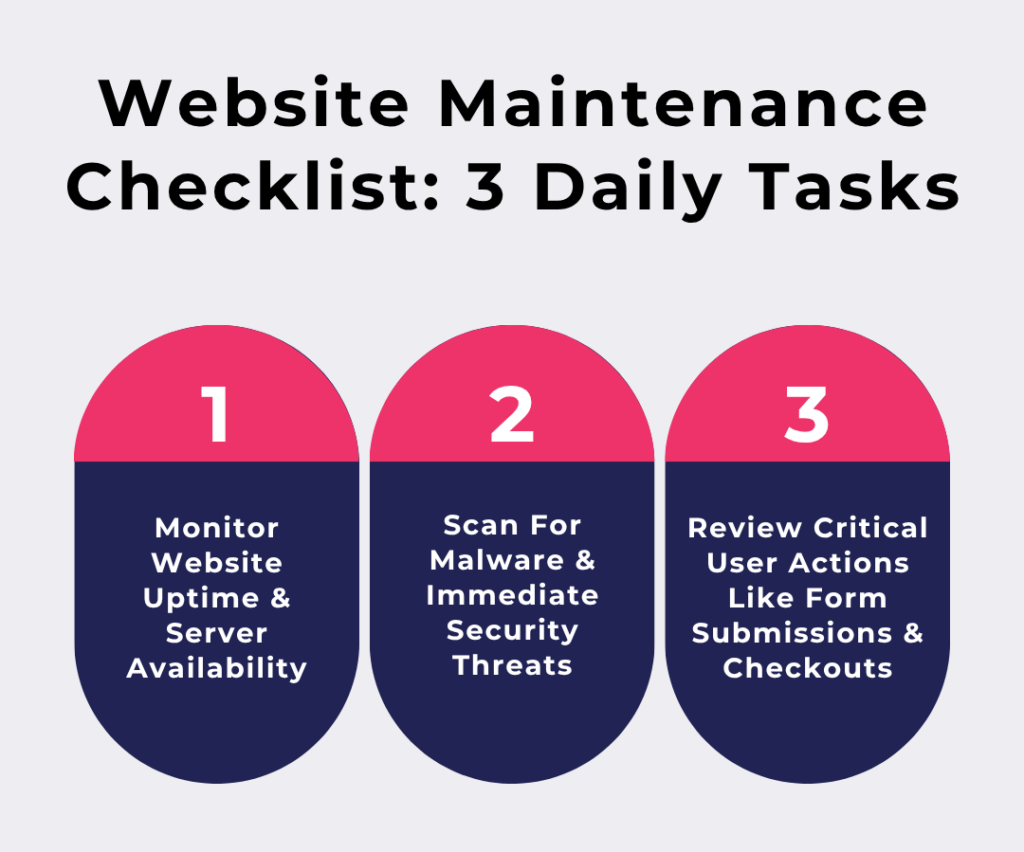
1. Monitor Website Uptime & Server Availability
This is basically: is your website even accessible right now?
Because yes – sites do go down. Servers glitch, hosting hiccups, DNS issues happen. And the worst part is, you usually don’t know unless someone complains. This task is about not being the last person to find out your site disappeared.
Do This Daily:
- Set up an uptime monitoring and maintenance tool (UptimeRobot or Pingdom) to get instant alerts if your site goes down
- Open your site from a completely different environment (mobile devices + mobile data) instead of your usual setup
- Click into one random internal page to make sure deeper pages aren’t timing out
2. Scan For Malware & Immediate Security Threats
Check if anything on your site is behaving in a way you didn’t intend. You are not looking for dramatic hacks here. You are watching for quiet intrusions – redirecting users, injecting spam, collecting data.
Do This Daily:
- Run an automated security scan using Wordfence or your hosting security panel
- Log in to your dashboard and check if anything looks out of place – new users, strange warnings, odd file changes
- Review login activity for unusual attempts or unknown locations
3. Review Critical User Actions Like Form Submissions & Checkouts
This is a critical factor that hits directly: are you actually receiving what users are sending? Because sometimes everything looks fine… but submissions don’t reach you. Payments fail. Confirmations don’t trigger. And you continue losing customers – quietly.
Do This Daily:
- Check where submissions are supposed to show up (email, dashboard, CRM) and confirm something actually came through
- Trigger one real test (fill a form, go through checkout up to the last step) like an actual user would
- Look for silence. If a usually busy form suddenly has zero activity, treat that as a red flag immediately
Weekly Website Maintenance Tasks
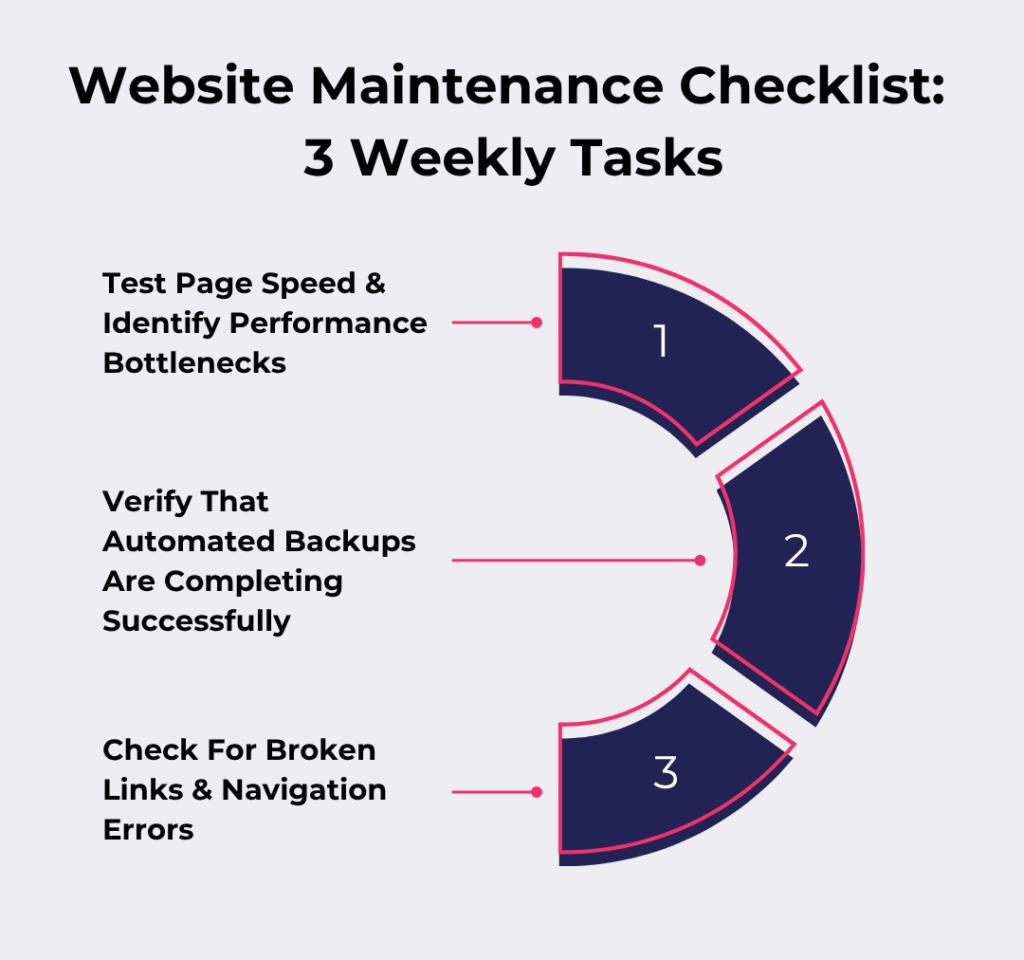
4. Test Page Speed & Identify Performance Bottlenecks
Speed changes over time. You update the content management system (CMS), install plugins, upload images – it all adds weight. You have to watch core web vitals and catch what is slowing things down before users feel it too much. And the longer you let it slide, the more it starts to cost you – fast-loading sites can see up to 74% higher conversion rates.
Do This Weekly:
- Open your site and pay attention to when it feels slow (images? scrolling? first load?)
- Run one speed test on Google PageSpeed Insights, but focus only on the biggest issue it flags – not all of them
- Remove or fix one thing causing drag (a heavy image, an extra script, a bloated section) – just one per week
5. Verify That Automated Backups Are Completing Successfully
Everyone sets up backups. Very few check if they actually work. A backup that fails quietly is the same as having no backup at all. This task is about trust– but verified trust.
Do This Weekly:
- Check your backup logs to confirm recent backups completed without errors
- Open a backup file and make sure it actually contains real data
- Keep a copy somewhere completely separate from your hosting – just in case your server is the problem
6. Check For Broken Links & Navigation Errors
Links break. Pages get moved. URLs change. And when that happens, users get stuck halfway – which is awkward and frustrates visitors. You must keep your site feeling connected and smooth.
Do This Weekly:
- Use Broken Link Checker or Google Search Console to scan your site for dead links
- Click something you normally wouldn’t – footer links, older blog posts, secondary pages
- Fix or redirect any broken URLs instead of just deleting them
Monthly Website Maintenance Tasks
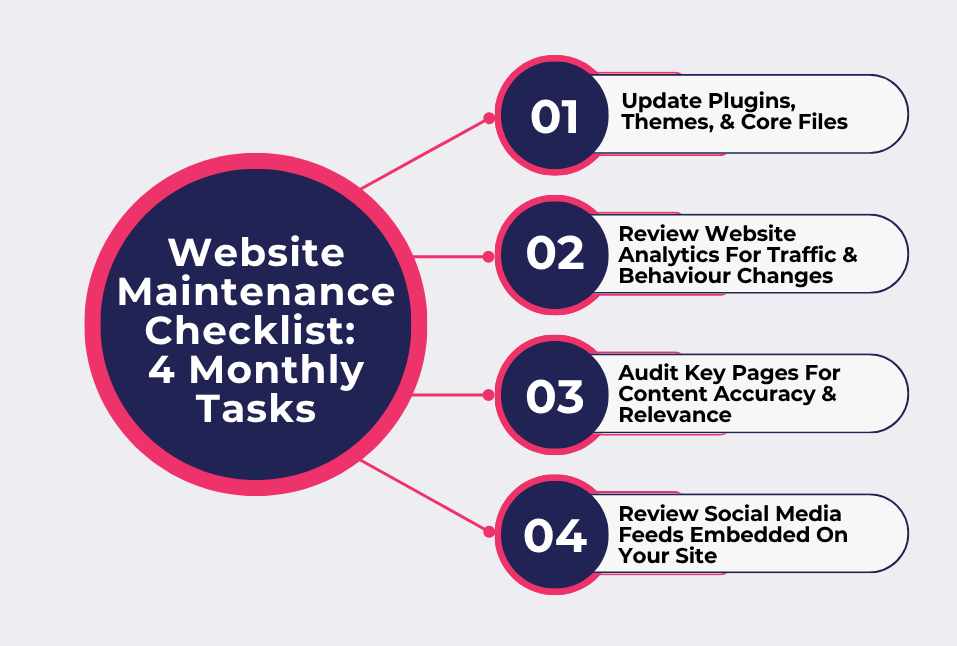
7. Update Plugins, Themes, & Core Files
Updates aren’t just “new features.” They fix bugs and close security gaps. Yes, we know they aren’t exciting. But ignoring them creates problems that worsen over time. The key here is not rushing it.
Do This Monthly:
- Update things in small batches instead of all at once, so you know what caused an issue if something breaks
- Quickly check one important function after each update – forms, menus, checkout
- Remove any plugins or themes you are no longer using. They are an unnecessary risk
8. Review Website Analytics For Traffic & Behaviour Changes
Numbers tell stories – but only if you actually look at them. You need to learn how to spot shifts and pick valuable insights. Sometimes it is just slightly lower every week.
Do This Monthly:
- Compare traffic month-over-month to see if you are trending up or down
- Look at bounce rates and time-on-page to find pages that aren’t holding up
- Check which pages bring the most conversions – and which ones bring none
9. Audit Key Pages For Content Accuracy & Relevance
Your site might still be technically correct… but no longer current. Offers change. Services evolve. Messaging gets outdated. This task keeps your site relevant and alive – not stale.
Do This Monthly:
- Read your main pages out loud (yes, actually). You will instantly find what is off or outdated
- Look for anything that makes you hesitate (“we should probably change that…”) and fix it on the spot
- Replace weak or outdated content with something clearer and more current
10. Review Social Media Feeds Embedded On Your Site
Embedded feeds are easy to forget… and even easier to break. Sometimes they stop updating. Sometimes they display oddly. Sometimes they just look abandoned. And that reflects directly on your brand.
Do This Monthly:
- Check if your embedded feeds are still displaying the latest posts correctly
- Click through to ensure links to your social profiles still work
- Remove or replace feeds that look inactive or overloaded – they can hurt more than help
Quarterly Website Maintenance Tasks
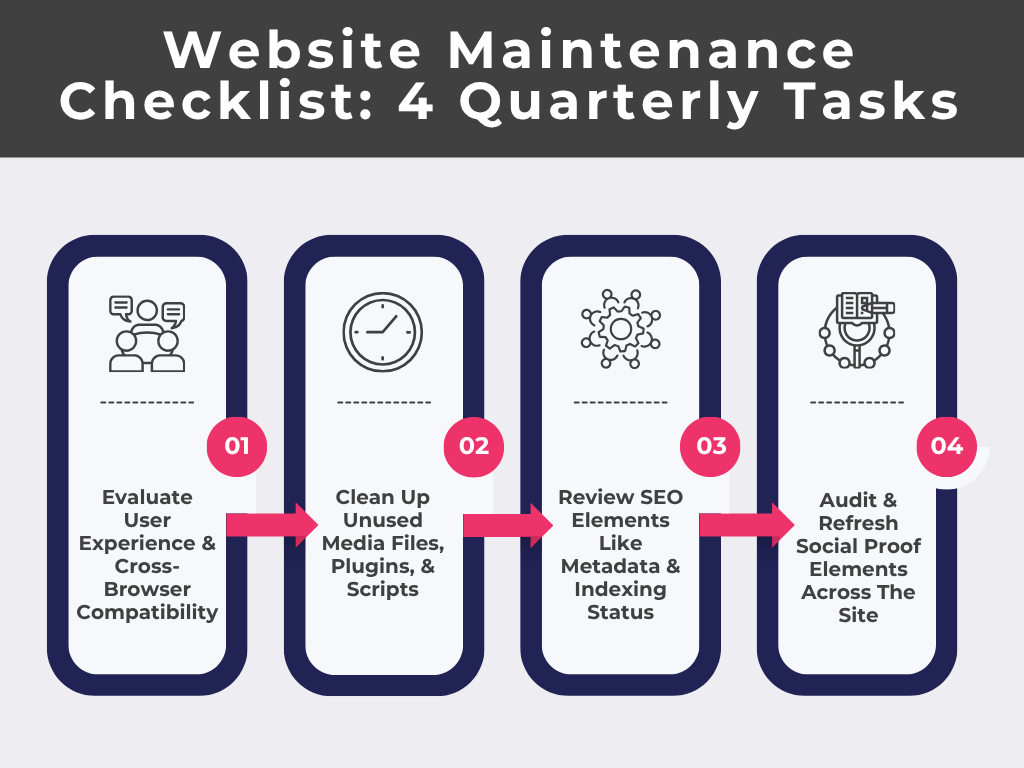
11. Evaluate User Experience & Cross-Browser Compatibility
You have stared at your own site so many times that you stop noticing what is actually missing. But someone new can see everything instantly. And then there are browsers – what looks clean in one can be slightly broken in another. Just… off enough to annoy.
Do This Quarterly:
- Use your site like a first-time visitor with a goal in mind (e.g., “I want to contact this business”) and notice where you hesitate
- Open the same page in different browsers and let it load properly. Llook specifically at alignment and spacing – not just “does it load”
- Try one interaction-heavy area (menus, filters, sliders) and see if it delivers a positive customer experience
12. Clean Up Unused Media Files, Plugins, & Scripts
Your website is probably carrying things it doesn’t need anymore. Not because you are careless – but because things get added faster than they get removed. Individually harmless. Together, they slow things down and make your backend all over the place.
Do This Quarterly:
- Scroll through your media library and delete anything that is not needed
- Look at your plugin list and remove anything you would hesitate to explain why it is still there
- Check your site for third-party add-ons (chat widgets, popups, trackers) and remove the ones you are no longer using
13. Review SEO Elements Like Metadata & Indexing Status
Sometimes your pages are saying one thing… while your titles say another. Or worse – pages exist but aren’t even being shown in search at all. Sometimes search engines are just… confused. You are clearing that confusion.
Do This Quarterly:
- Google your own pages and ask: “If I saw this result, would I actually click it?”
- Check if any important page is missing from search results entirely (that is a bigger issue than low search ranking)
- Update titles and meta descriptions that are outdated or disconnected from the page
14. Audit & Refresh Social Proof Elements Across The Site
Social proof ages in a very quiet way. It still exists. It still looks fine. But it stops feeling convincing. A testimonial from two years ago. A client logo that is no longer relevant. A “recent” review that isn’t recent anymore. They all weaken credibility.
Do This Quarterly:
- Replace one “safe but boring” testimonial with one that is specific and says something meaningful
- Remove anything that is just there for the sake of it
- Add something recent, even if it is small – a short quote, a quick result, a fresh mention
Yearly Website Maintenance Tasks
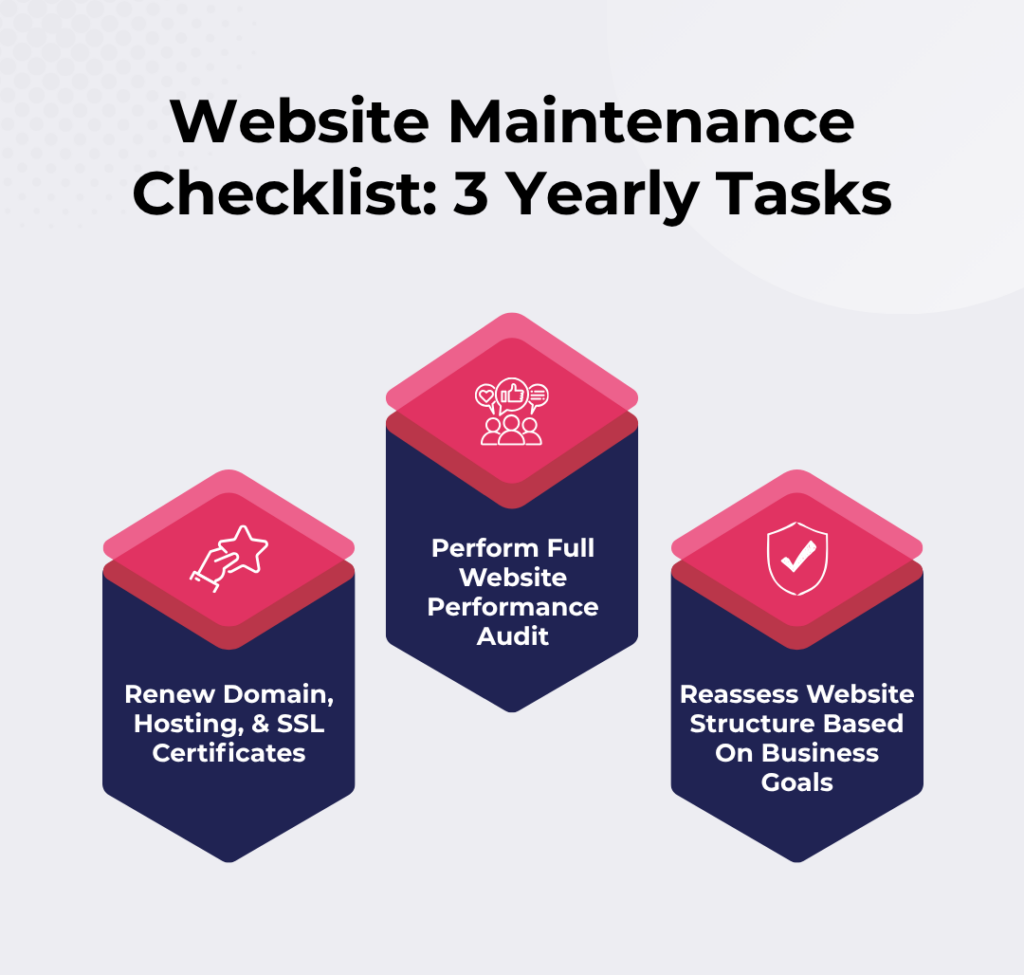
15. Renew Domain, Hosting, & SSL Certificates
This one is simple. But the consequences of forgetting it are not. Nothing breaks gradually here. One day everything works… the next day your site shows warnings or disappears.
Do This Yearly:
- Check your renewal dates manually once a year instead of assuming auto-renew has it handled
- Make sure the payment method on file is still valid (expired cards are a very common silent issue)
- Open your site and confirm there are no “Not Secure” warnings showing in the browser
16. Perform Full Website Performance Audit
This is your “no assumptions” tour. Not as the owner. Not as someone who built it. Just as a person landing on it with zero context. And you are looking for small things that add up.
Do This Yearly:
- Go through your entire site page by page and note anything that is slow or outdated
- Test your full user journey from landing to action – contact details, signup, purchase. Don’t skip steps
- Group your observations into patterns – “things feel slow,” “too many steps,” “unclear messaging”
17. Reassess Website Structure Based On Business Goals
This is a time-consuming task that requires honesty. Your business has probably changed more than your website has. But your site might still be organised around an older version of your business.
This is where you decide whether your structure still makes sense – or just exists because it has always been that way. After all, 39% of users would think twice about using a product or service if the website is outdated.
Do This Yearly:
- Look at your navigation and see if it reflects what you want potential customers to focus on now.
- Identify pages that don’t really serve a purpose anymore
- Rearrange or simplify sections so your most important offering is the easiest thing to find
3 Real-World Businesses We Look To For Website Maintenance Done Right
Here are 3 real-world examples that handle regular website maintenance so well, you will want to take notes.
1. SocialPlug

What makes SocialPlug genuinely sharp is how they treat maintenance like real-time conversion tuning.
What They Do Differently:
Instead of doing big redesigns every few months, they tweak:
- Button wording every few weeks
- Micro-copy near pricing tiers
- Trust signals (like small badges, not big banners)
- Order flow friction points
And here’s the interesting part: they react to micro-behaviours. So if users hesitate on a pricing table for more than ~4 seconds, they test: Instant Delivery” → “Coins Start Within 90 Seconds.” If drop-offs increase at checkout, they remove 1 input field instead of redesigning the page
This is maintenance at a granular psychological level.
What You Can Learn From This:
Pick ONE page and every 10 days:
- Change one sentence
- Shorten one step
- Clarify one promise
2. Uproas

Uproas takes a completely different approach. Rather than obsessing over small UI tweaks, their strength is something most people ignore: their invisible infrastructure maintenance
What They Do Differently:
They maintain operational integrity in the background. Here’s what that includes:
- Silent API Monitoring: They continuously check:
- If integrations with ad platforms fail
- If account provisioning delays spike
- If the request queues slow down
- “Failure Simulation” Maintenance: Instead of waiting for things to break, they simulate:
- Account rejection scenarios
- Delayed approvals
- Temporary bans
They then refine their flows to handle those cases smoothly. And that is rare. Most businesses only react to real failures.
- Maintenance Logs That Drive Decisions: They categorise log errors:
- “User-caused friction”
- “Platform inconsistency”
- “Internal system delay”
This lets them decide whether to educate users or patch backend logic.
What You Can Learn From This:
Once a week, ask:
- Where could something fail without the user telling me?
- If it failed today, how long would it take me to notice?
If the answer is “I don’t know,” that is your maintenance gap.
3. Engain
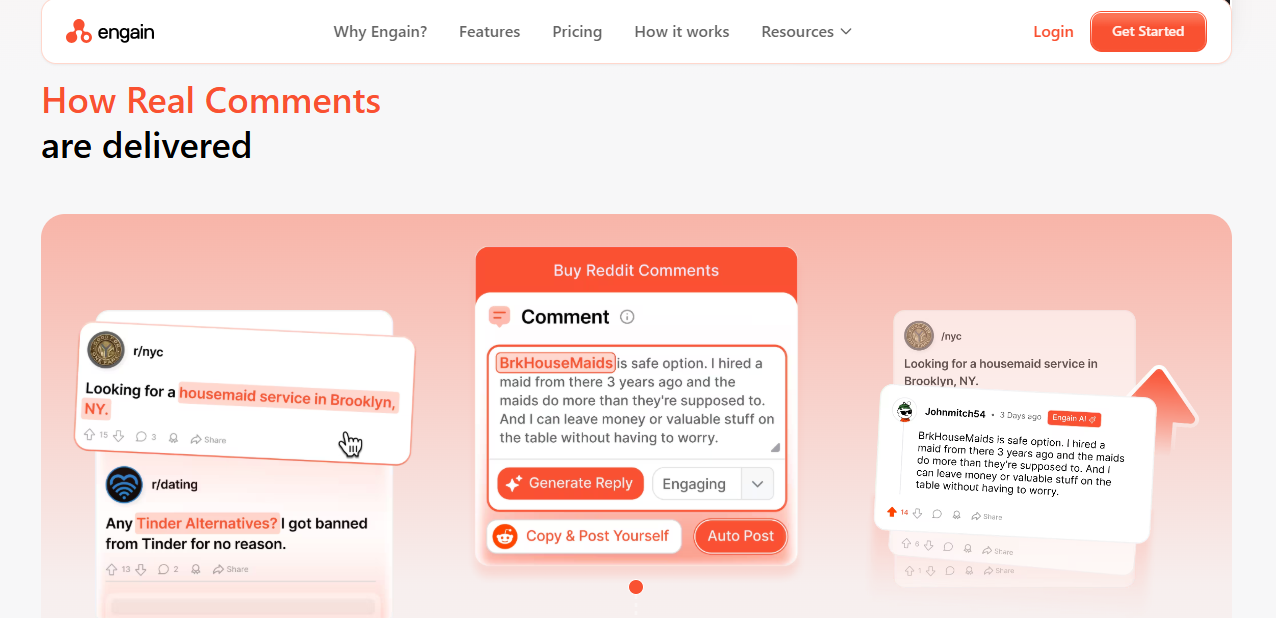
Engain approaches maintenance from a completely different direction. They maintain content realism and variation – not just functionality.
What They Do Differently:
Rather than just updating pages occasionally, they maintain:
- Rotating Content Structures: They change content patterns:
- One week – short, punchy sections
- Nex –: longer, story-driven explanations
- Then – FAQ-heavy formats
So even returning users feel like the site is evolving.
- Comment & Copy Diversity Systems: They actively prevent repetition by:
- Tracking phrasing similarity across pages
- Rewriting sections before they become stale
- Avoiding “template fatigue”
- Freshness Without Redesign: Instead of redesigning pages, they:
- Swap examples
- Update tone
- Change how benefits are framed
What You Can Learn From This:
Every 2–3 weeks:
- Rewrite one section in a completely different tone
- Change structure, not just wording
- Replace examples with something unexpected and specific
Conclusion
At some point, every website starts asking for attention in small ways. The difference comes down to whether you have a website maintenance checklist that keeps up with it.
So follow this checklist religiously. Keep it tight. Only include what actually needs regular attention, then stick to it. Once this becomes part of your routine, your website starts behaving the way it should.
At 4mation, we help organisations build websites and digital systems that actually do something. We have been partnering with businesses for over two decades to help create a reliable digital presence for long-term success. More than that, we modernise businesses with secure software and future‑ready tech – whether that is custom apps, AI features, or smarter workflows.
Book a free consultation with us and let’s get started.
About The Author
